Login to your dashboard.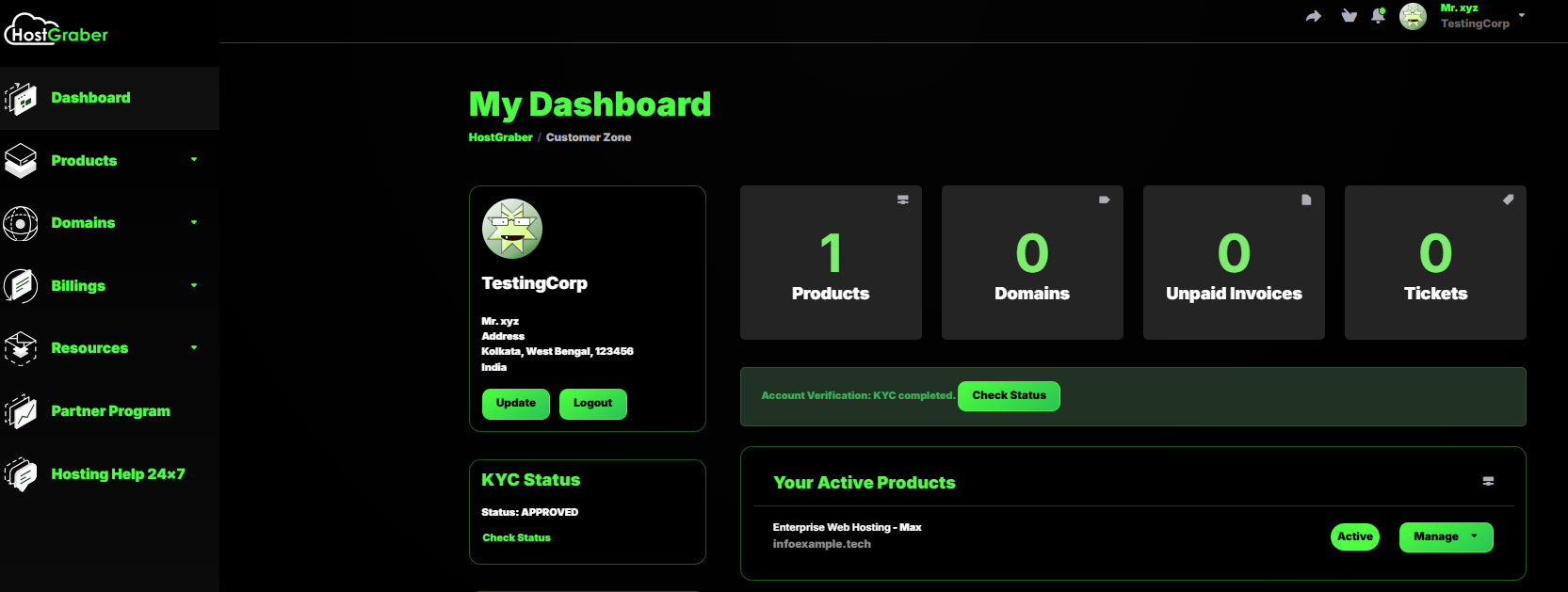
Go to Support Tickets under Resource section.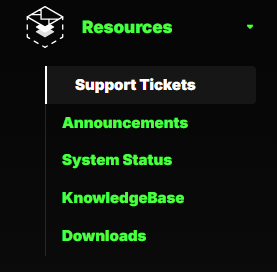
Here you will find your ticket history. Click on Open Ticket to raise a new one. 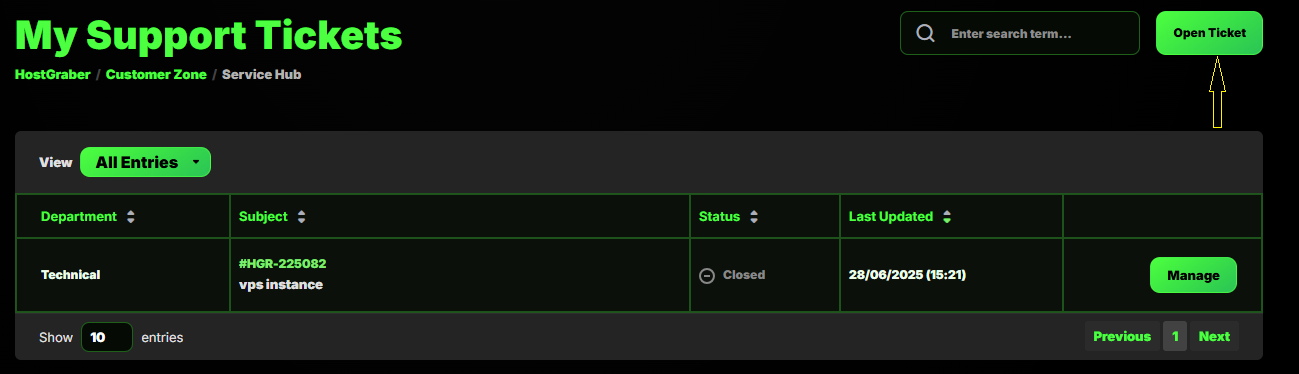
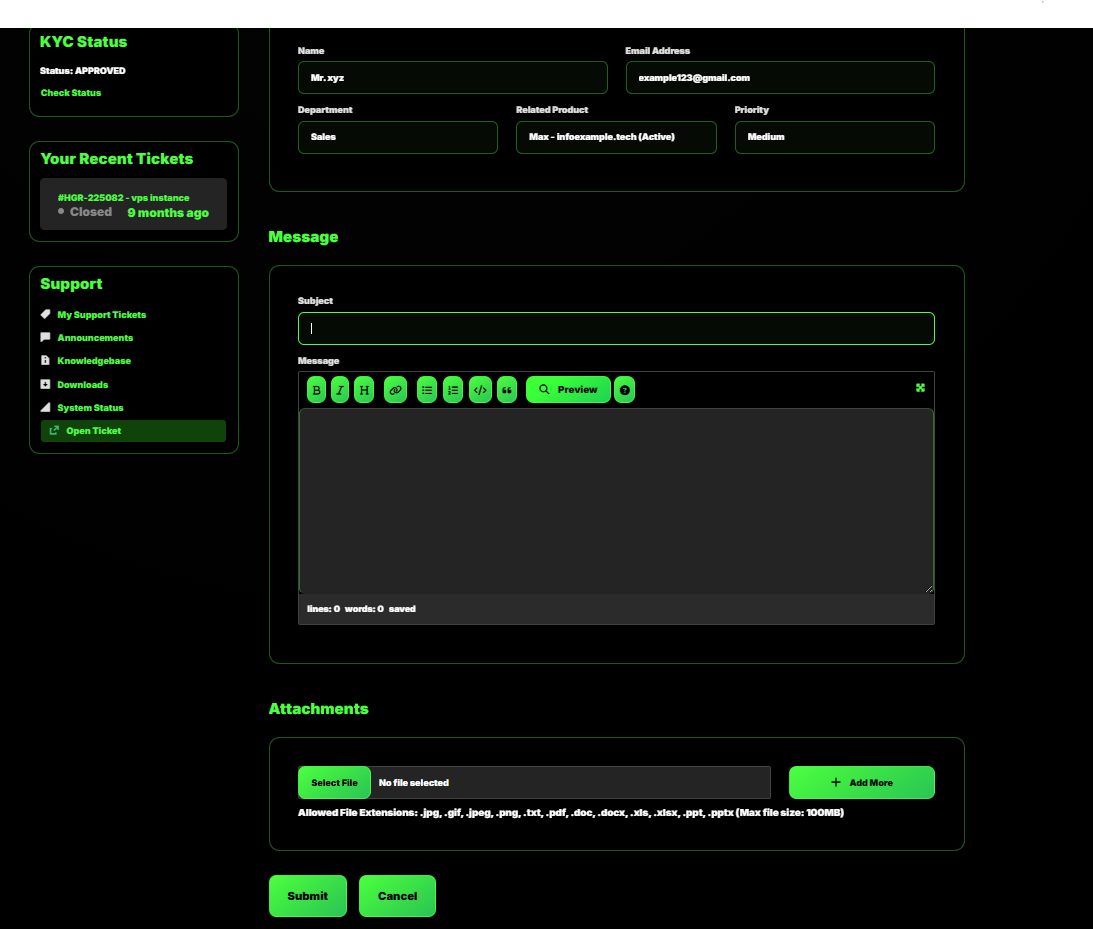
Select the Appropriate Department for which you want to open a ticket.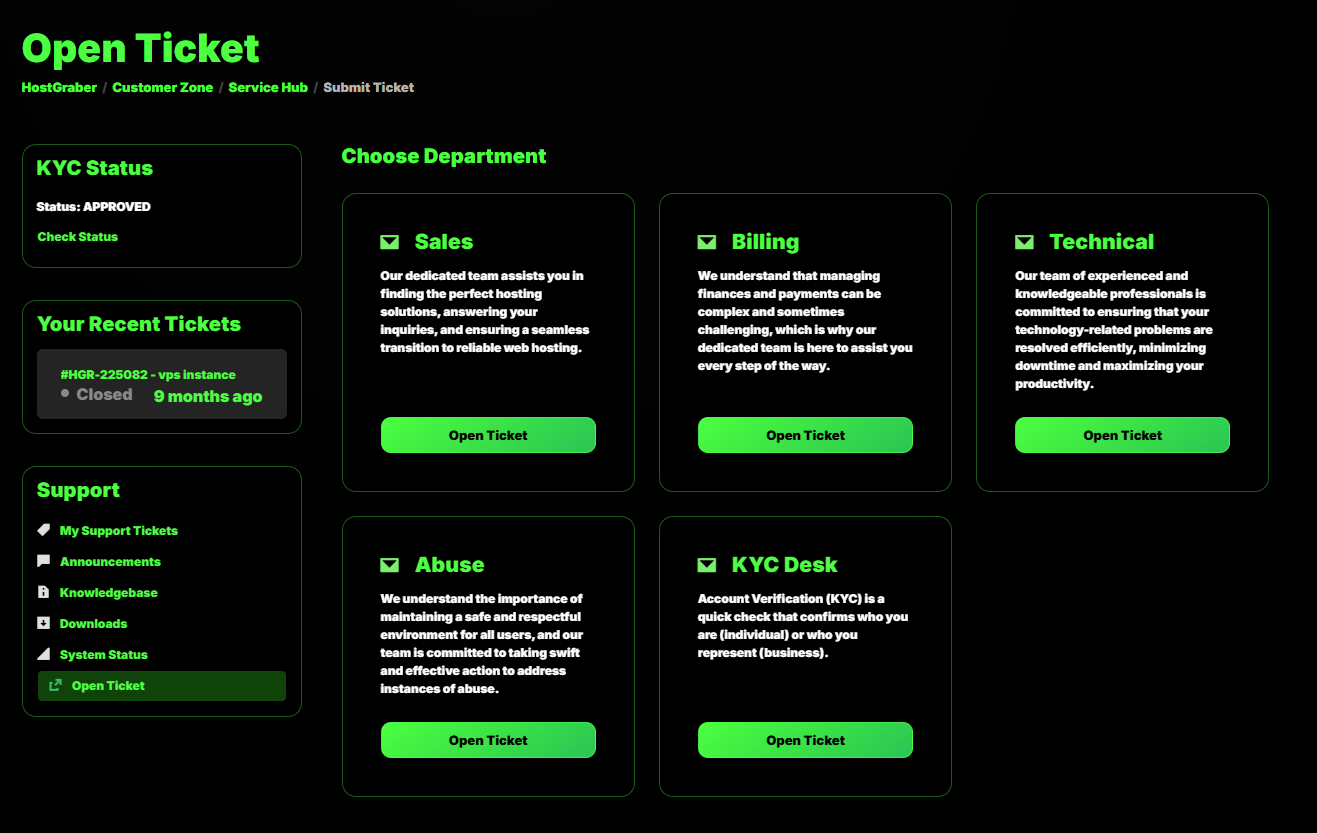
Click on Open Ticket from selected department.
Select the Product. Write a short heading in the Subject Area. Write the detailed message in the Message Area.
You can also attach any file in the Attachments Area.
Lastly click the Submit button.