
Welcome to Your Django VPS Environment
Congratulations! Your server has been successfully provisioned. We have pre-configured a robust stack for you, including Nginx (Web Server), Gunicorn (WSGI Application Server), and Django (Framework).
How the Architecture Works
To help you understand how your application runs, here is the flow of your traffic:
-
Nginx receives the web request.
-
It serves static files (CSS, JS, Images) directly for speed.
-
It passes dynamic requests to Gunicorn.
-
Gunicorn communicates with your Django application.
1. Verification: Is Django Working?
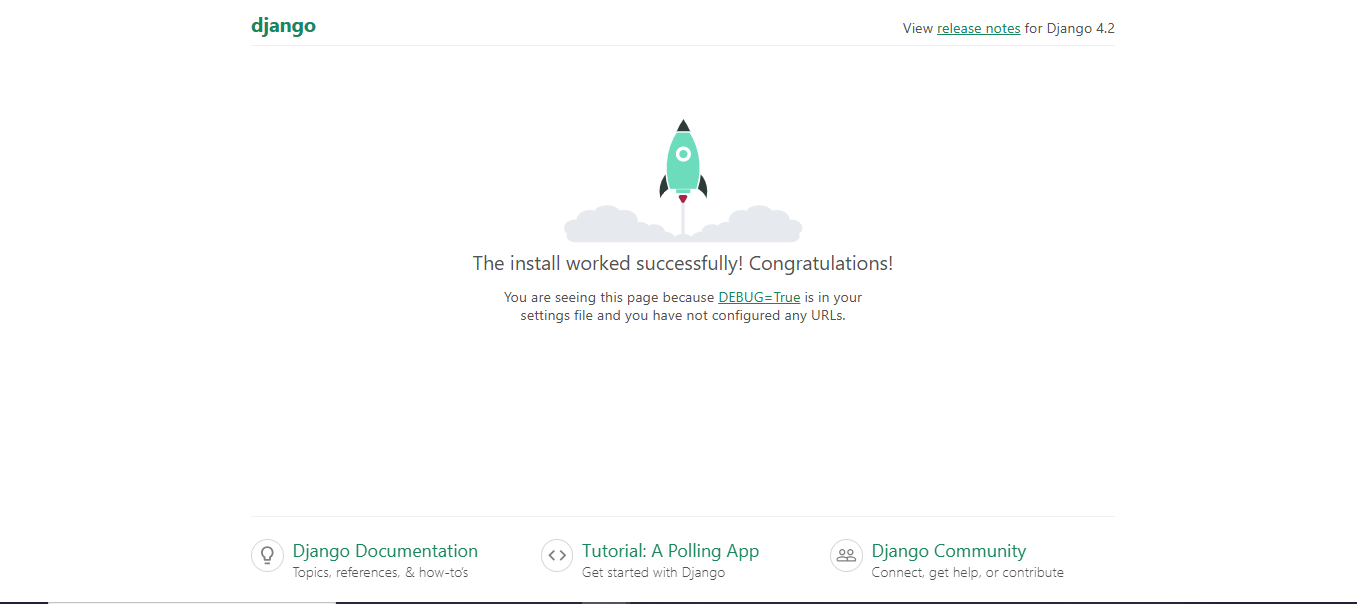
If you have visited your server's IP address in a web browser and see the "Rocket" success page, your environment is correctly installed.
If you are logged into your server via SSH and want to double-check the installation, run:
python3 -c "import django; print(f'Django Version: {django.get_version()}')"
2. File Location & Access
Your project files are located in: /var/www/marketplace/
Important: Your application runs under the www-data user for security. When running Django management commands (like migrations), always use sudo -u www-data.
3. Essential Management Commands
Whenever you update your code or change your Django configuration, you will need to restart the services.
A. Managing the Django Application
Navigate to your project folder first:
cd /var/www/marketplace
Apply database changes (Migrations):
sudo -u www-data python3 manage.py migrate
Collect static files (If you added CSS/JS):
sudo -u www-data python3 manage.py collectstatic --noinput
B. Restarting Services
If your changes are not appearing on the website, restart the services in this order:
Restart the Gunicorn server (to load new Python code):
sudo systemctl restart gunicorn
Restart Nginx (to load new configuration changes):
sudo systemctl restart nginx
4. Deployment Checklist
When you are ready to deploy your own code to this VPS, follow this workflow:
-
Upload/Pull Code: Move your files into
/var/www/marketplace/(replacing the default Django files). -
Install Requirements: If you have a
requirements.txt, install them via:sudo -u www-data pip3 install -r requirements.txt -
Run Migrations: Execute
sudo -u www-data python3 manage.py migrate. -
Collect Static: Execute
sudo -u www-data python3 manage.py collectstatic. -
Restart Services: Run
sudo systemctl restart gunicornto apply the changes.
Pro-Tips for Production
-
Settings File: Ensure your
settings.pyis configured for production. You should setDEBUG = Falseand updateALLOWED_HOSTSto include your actual domain name/IP address. -
Log Files: If your site isn't loading, check the Nginx error logs:
tail -f /var/log/nginx/error.log