
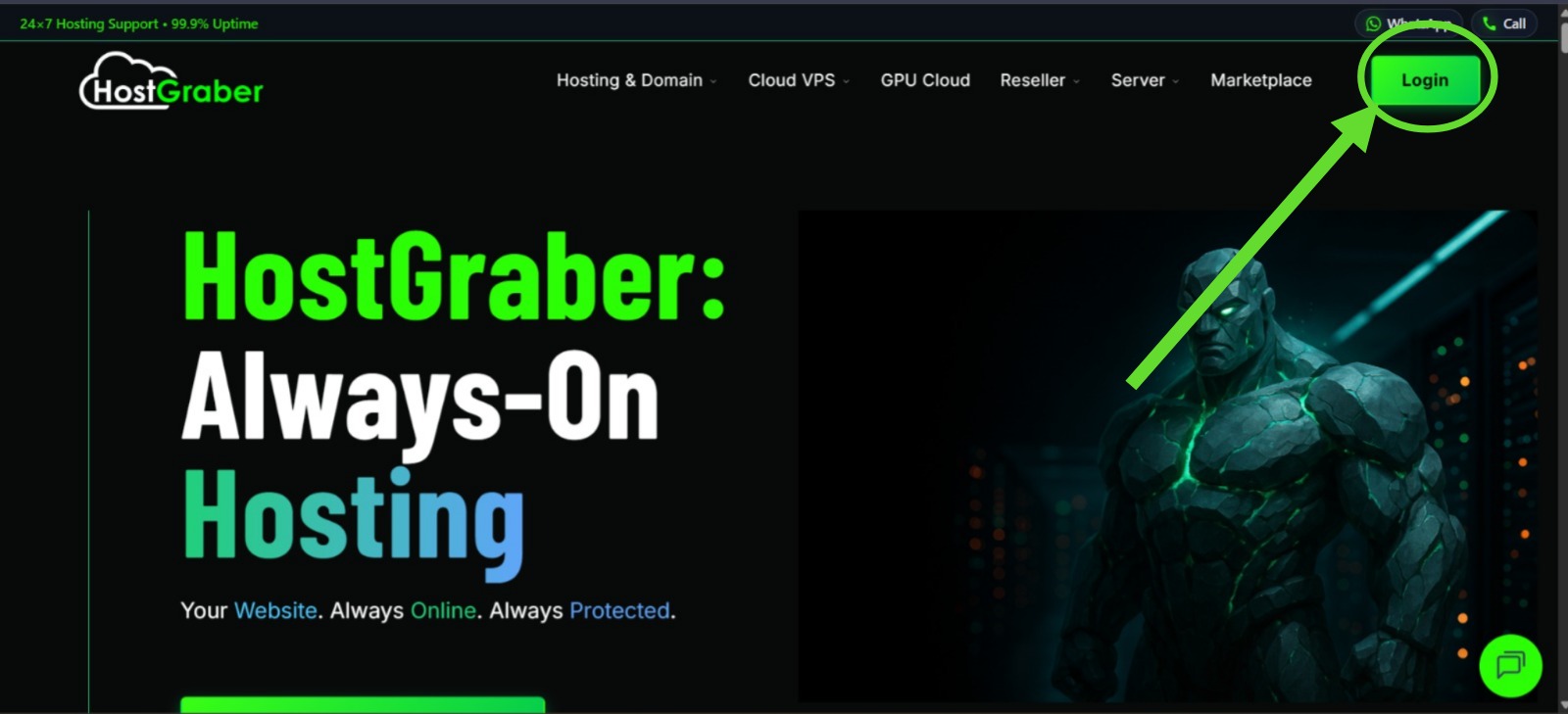
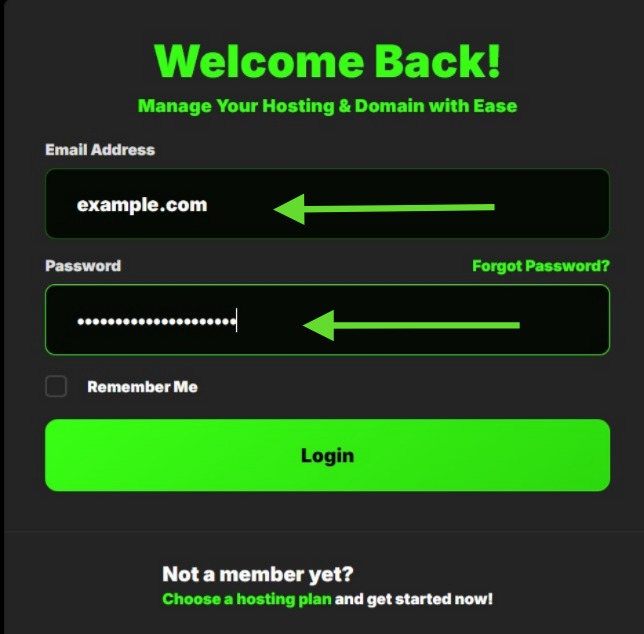
- Login to your user dashboard.
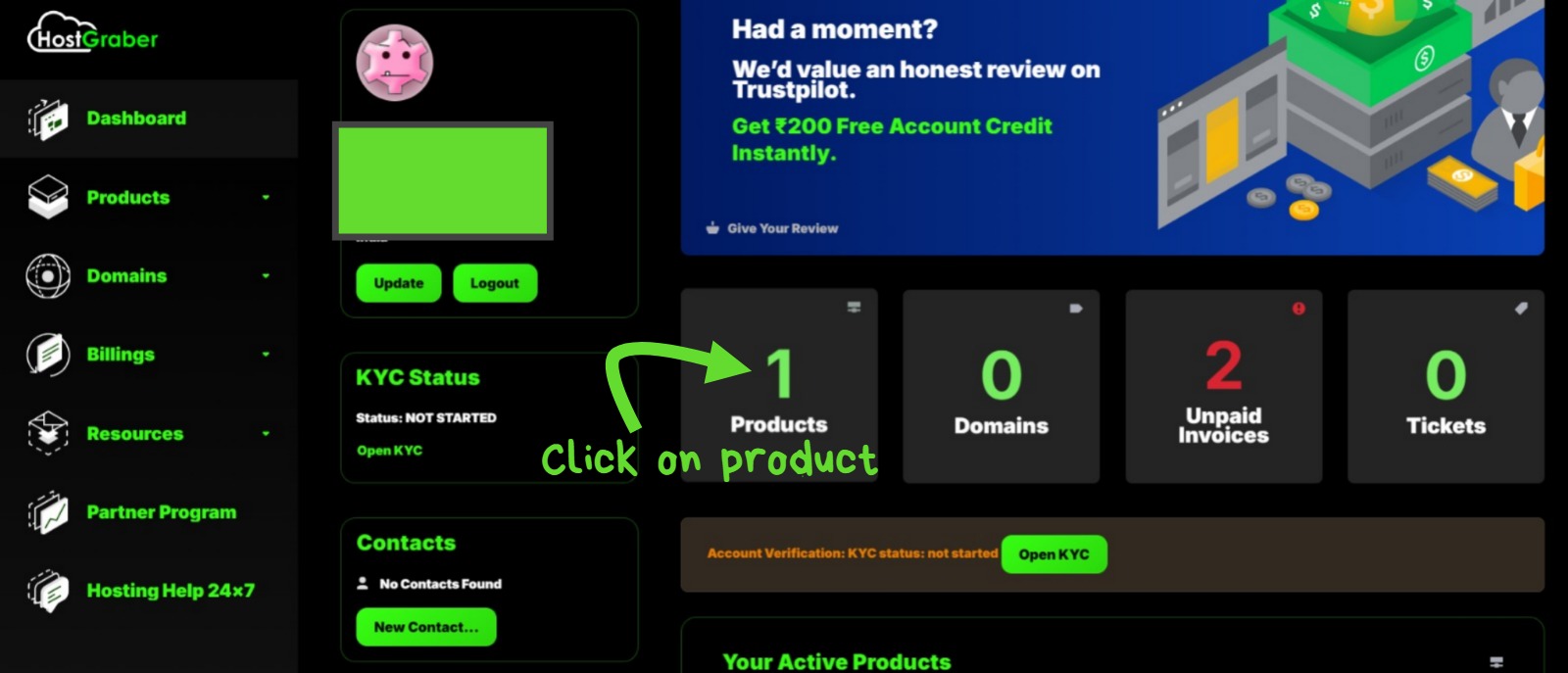
- Go to My Products under Products section.
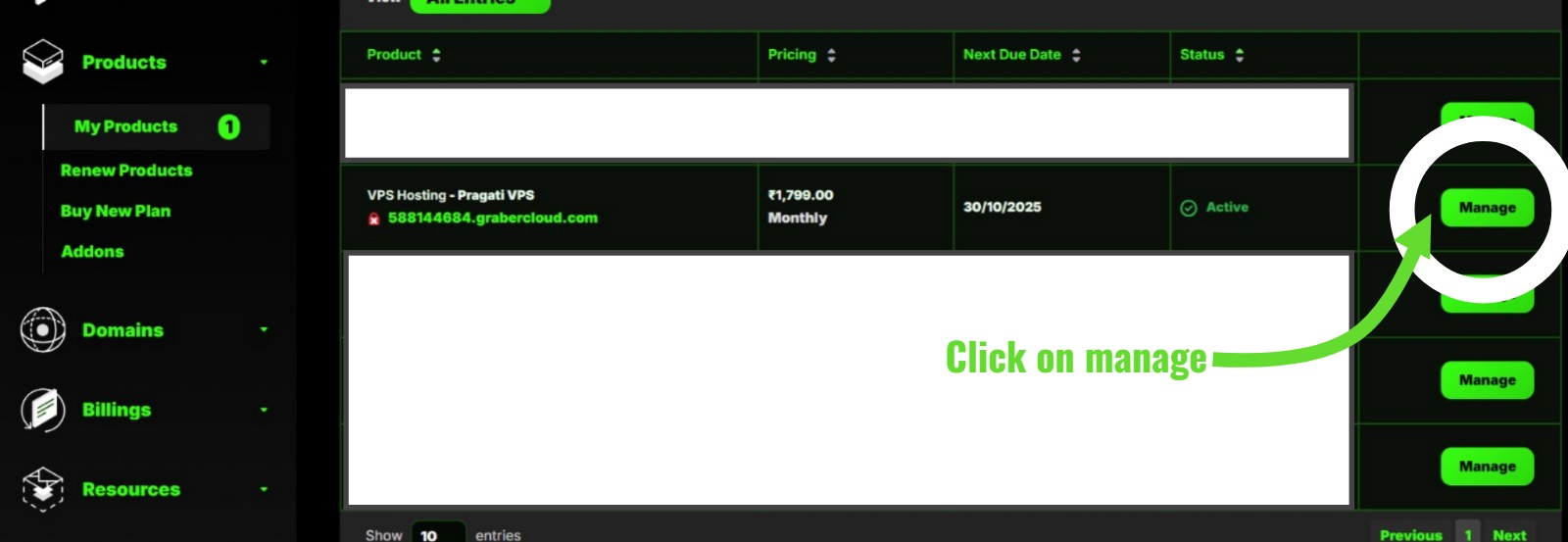
- Click on My Products& you will see your products in a listed-manner.
- Click on Manage situated at the right-corner of each products to manage the specific product.
- You will arrive on Product Details page. Here you will find overview of your instance.
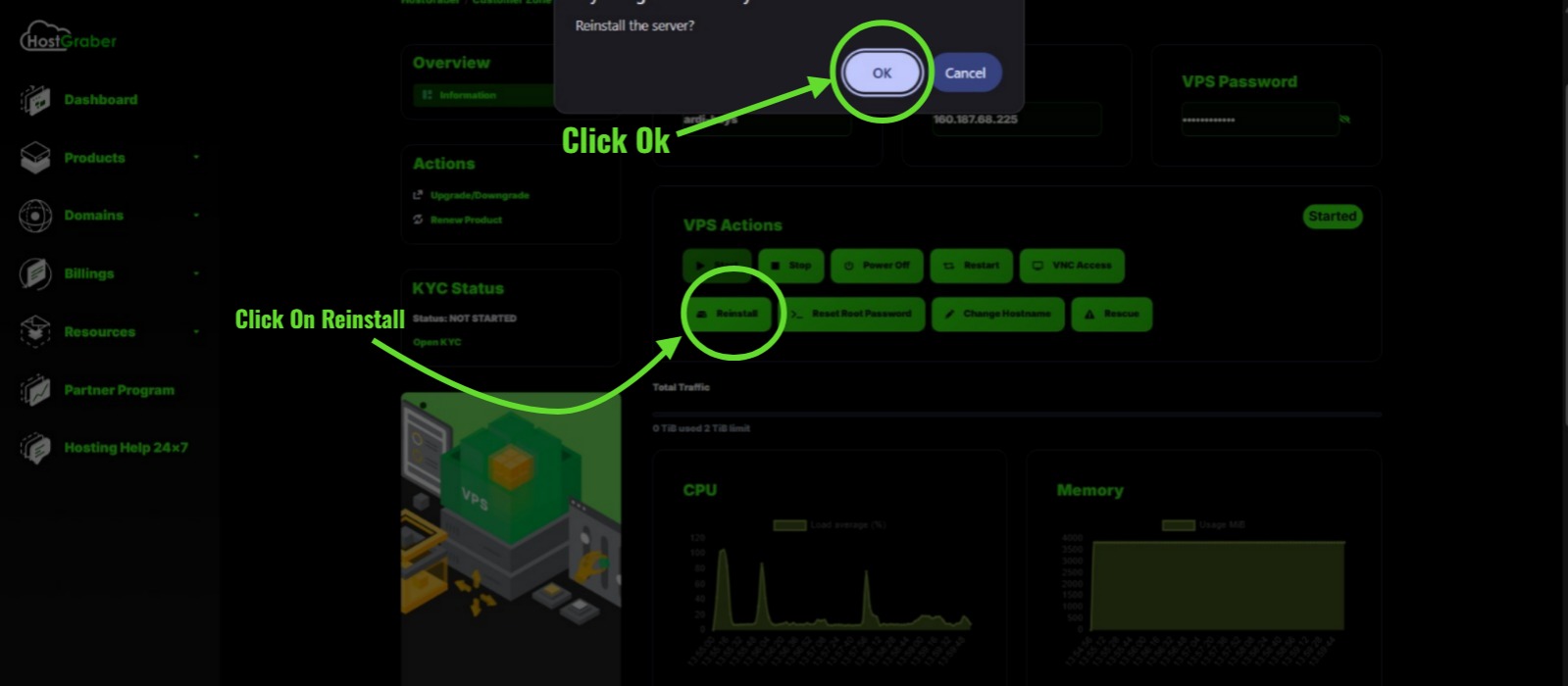
- Click on Reinstall OS. Choose new operating system from the drop-down box. Check Enable 360 Monitoring.
- Click on Reinstall OS in Yellow box.
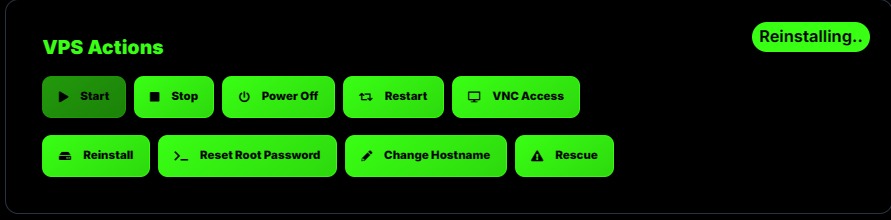
- You will see your VPS instance showing Reinstalling status.
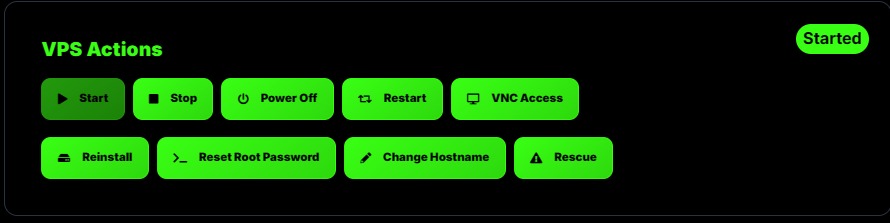
- When it will show Started your instance is ready to use.
--> After some time you will be able to login your VPS without any issue.