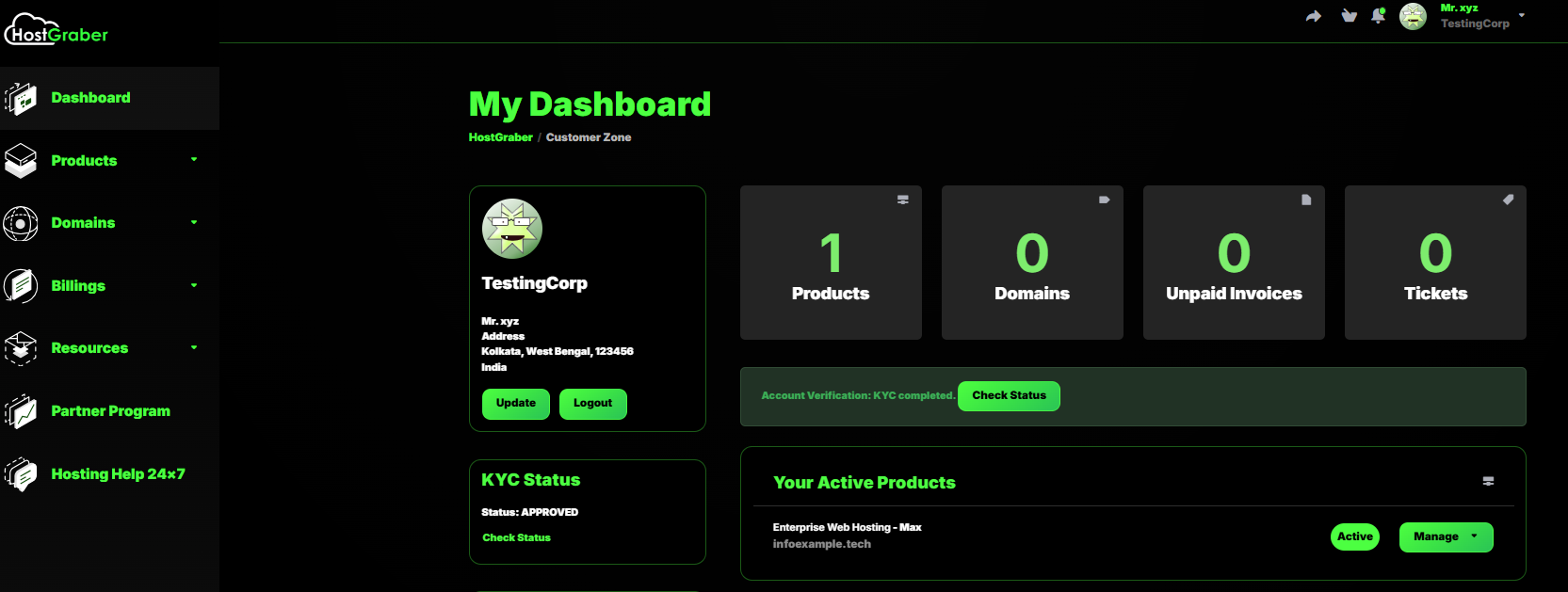
Login to your dashboard.
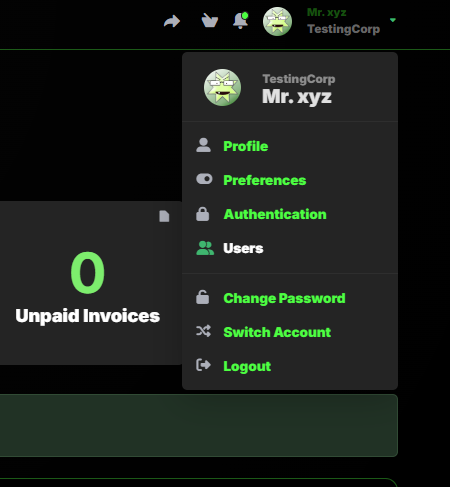
Click on your Name, which is situated at right-corner of dashboard page. You will find Users option there. Click on Users.
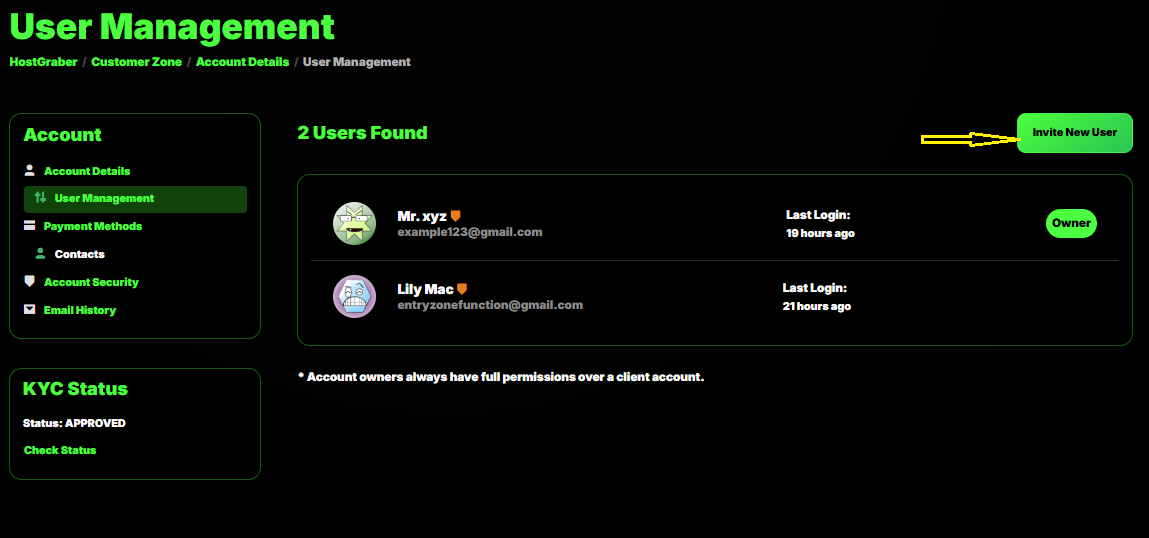
Under User Management area, you will find Invite New User option. Click on that.
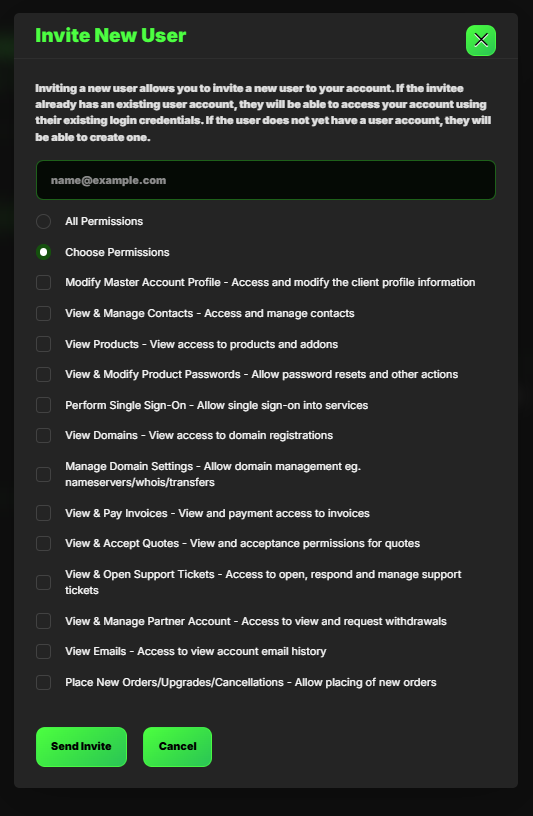
Now you need to add the new user mail id. And choose the permissions you want to assign for that user. If you want to assign all permissions click on that.
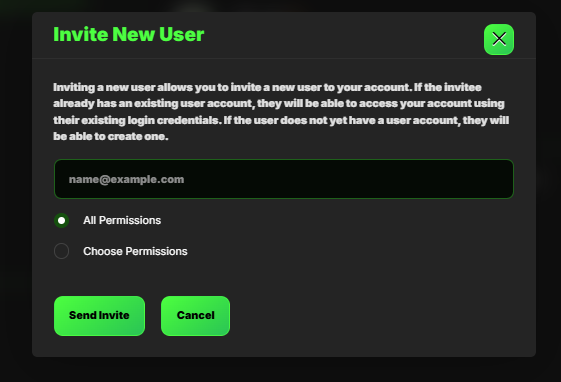
If you want to assign selective options, go for following. Choose the options among these & click on Send invite.