
Welcome to your production-ready .NET Web API and MariaDB development environment, hosted by HostGraber MarkrtPlace Hosting!
Your Virtual Private Server (VPS) arrives fully provisioned with an isolated multi-container architecture via Docker Compose. The environment includes a pre-wired database layer, an active sample repository, and automated reverse proxy handling mapping container runtime features straight to web standards.
1. Verifying Your Microservice Stacking
When your server provisions, the background system compiles your container environments and orchestrates cross-container database linkages.
To verify that your microservices are healthy, log into your server via SSH as the root user and run the standard container diagnostic utility:
docker ps
Your system terminal will present two core service engines up and running:
| Container Name | Runtime Engine Image | Public/Internal Mapping Configuration | Status |
dotnet-app-1 |
dotnet-app |
0.0.0.0:80 -> 8080/tcp (Web Access Live) |
Up |
dotnet-db-1 |
mariadb:10.11 |
3306/tcp (Isolated Docker Network Only) |
Up (healthy) |
2. Accessing Your Live Application Environments
Your deployment features isolated public application routing paired with a dedicated testing interface for backend validations.
-
The Live Web Application: To verify public accessibility, navigate to your assigned instance link within your web browser:
http://<YOUR_SERVER_IP>
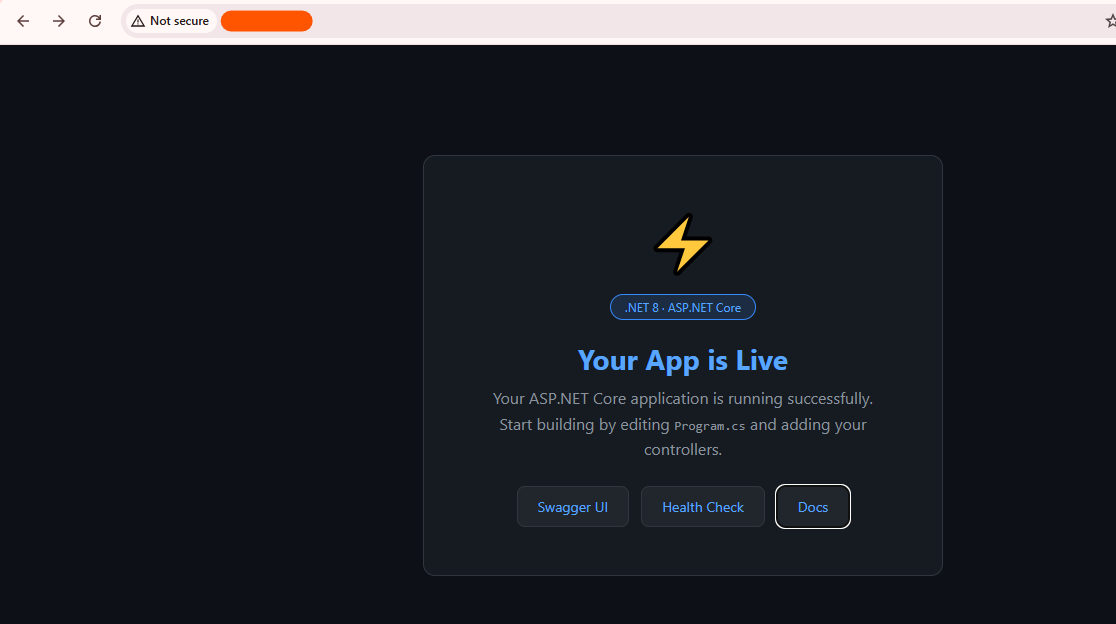
Figure 1: The initial pre-configured .NET application landing view.
-
The Automated API Swagger Engine: To inspect endpoints, validate routing mechanics, and interface directly with backend parameters using a graphical layout, navigate to:
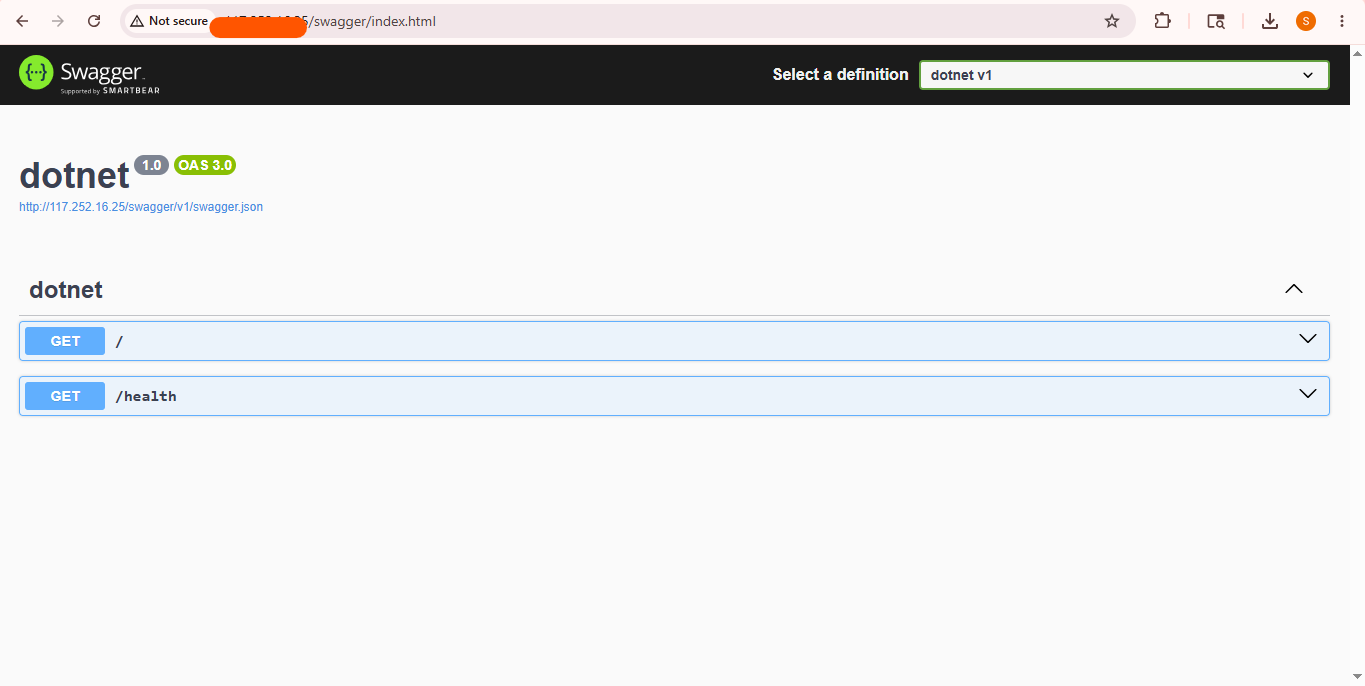
Figure 2: The production-ready Swagger API documentation ecosystem.
3. Core Database Connectivity Architecture
For security, your database infrastructure does not broadcast to the open web. It communicates natively inside an isolated internal network context accessible only by your web code layers.
-
Internal Database Host Engine:
db(Standard port3306inside the application cluster) -
Pre-Baked Configuration Connection String:
Server=db;Port=3306;Database=dotnet_db;User=dotnet_user;Password=<YOUR_SECURE_PASSWORD>;
⚠️ Security Policy Reminder: To protect your private database parameters from unauthorized extraction runs, please memorize or safely drop these credentials into an external password vault, then wipe your onboarding splash document completely by executing:
shred -u /root/credential.txt
4. How to Develop, Modify, & Rebuild Your Code
You don't need to configure deployment agents or custom pipeline configurations. You can code directly on the host using standard system frameworks.
Directory Mapping Map
-
Application Core Workspace: Located at
/opt/dotnet/app/ -
Primary Code Entry File:
/opt/dotnet/app/Program.cs -
System Environment Configurations:
/opt/dotnet/app/appsettings.json -
Additional API Controllers: Store new logic layers securely under
/opt/dotnet/app/Controllers/
The Development Cycle Workflow
Whenever you modify your enterprise application files, push database structure variations, or introduce fresh controller paths, run this targeted stack compiler statement to hot-reload your production engine:
docker compose -f /opt/dotnet/docker-compose.yml up -d --build
This single command instructs Docker to securely parse your new modifications, recompile your binaries, update runtime settings, and spin up healthy replacement nodes without cluster service degradation.
5. Essential Monitoring & Management Snippets
Use these internal system shortcuts to seamlessly track code behaviors or access active shell environments:
-
Review Live Streamed Log Analytics: Want to monitor incoming request handling or diagnose database interaction logs? Run:
docker compose -f /opt/dotnet/docker-compose.yml logs -f -
Cycle Application Processes: To quickly restart application engines without spinning up cold builds:
docker compose -f /opt/dotnet/docker-compose.yml restart -
Drop into Interactive App Containers: If you need to debug network routing scripts directly inside the application workspace container:
docker exec -it dotnet-app-1 bash
6. Going to Production: DNS & HTTPS Implementation
When transitioning from a prototype staging state into an active customer deployment, run these validation procedures:
-
Establish A-Record Mapping: Access your Domain Name Registrar management tools and build a clean DNS A-Record routing your production web hostname directly to your primary public
<YOUR_SERVER_IP>. -
Provision Secure SSL Certificates: Protect inbound user transmissions by generating signed Let's Encrypt certificates directly via the host console shell:
apt update && apt install certbot -y
certbot --standalone -d yourdomain.com
Need Production or Structural Assistance?
If you require custom volume mapping strategies, load-balancer configurations, or advanced horizontal architecture configurations, our systems engineers are here to support your team: