
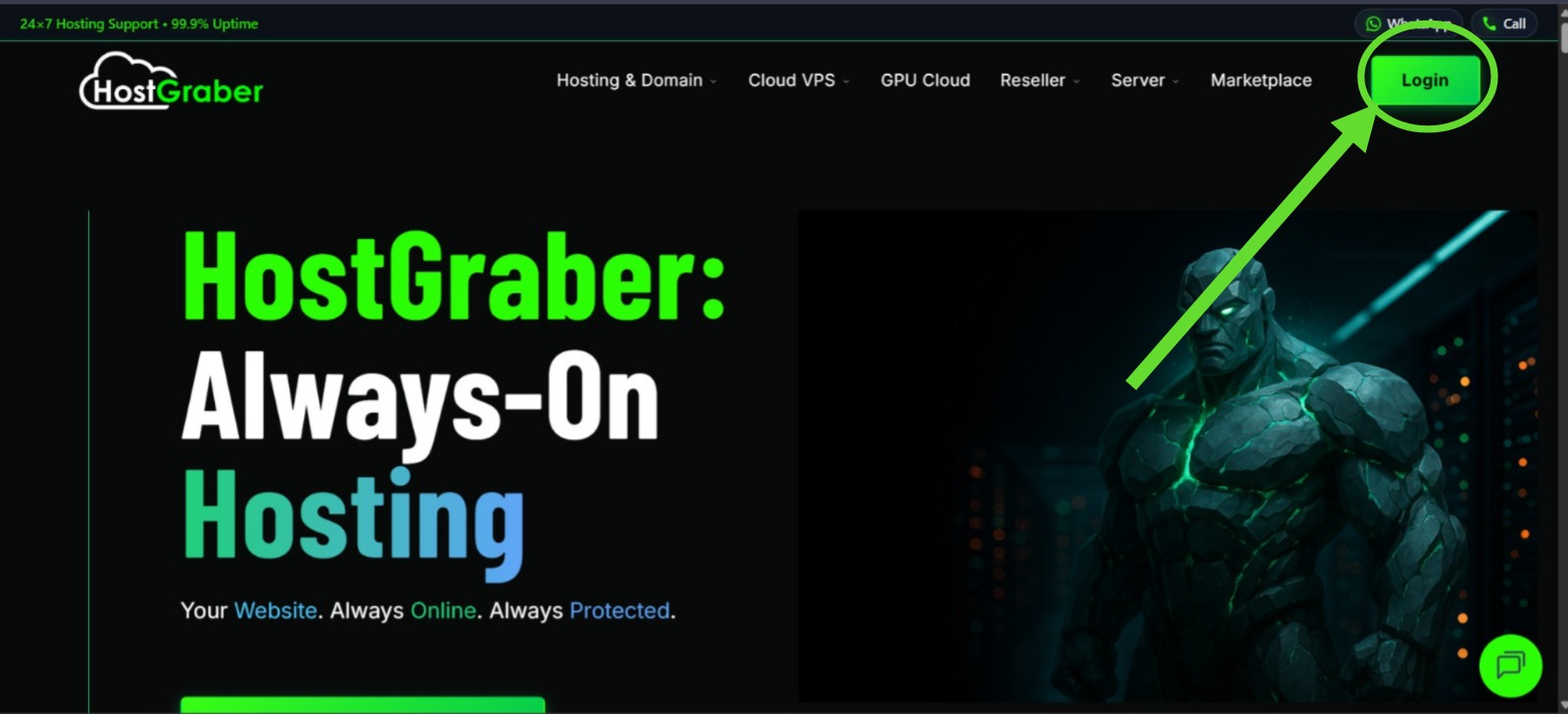
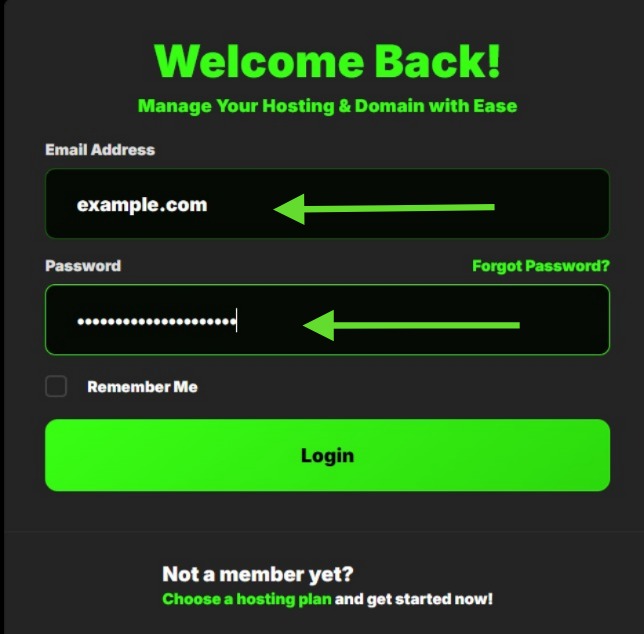
- Login to your user dashboard.
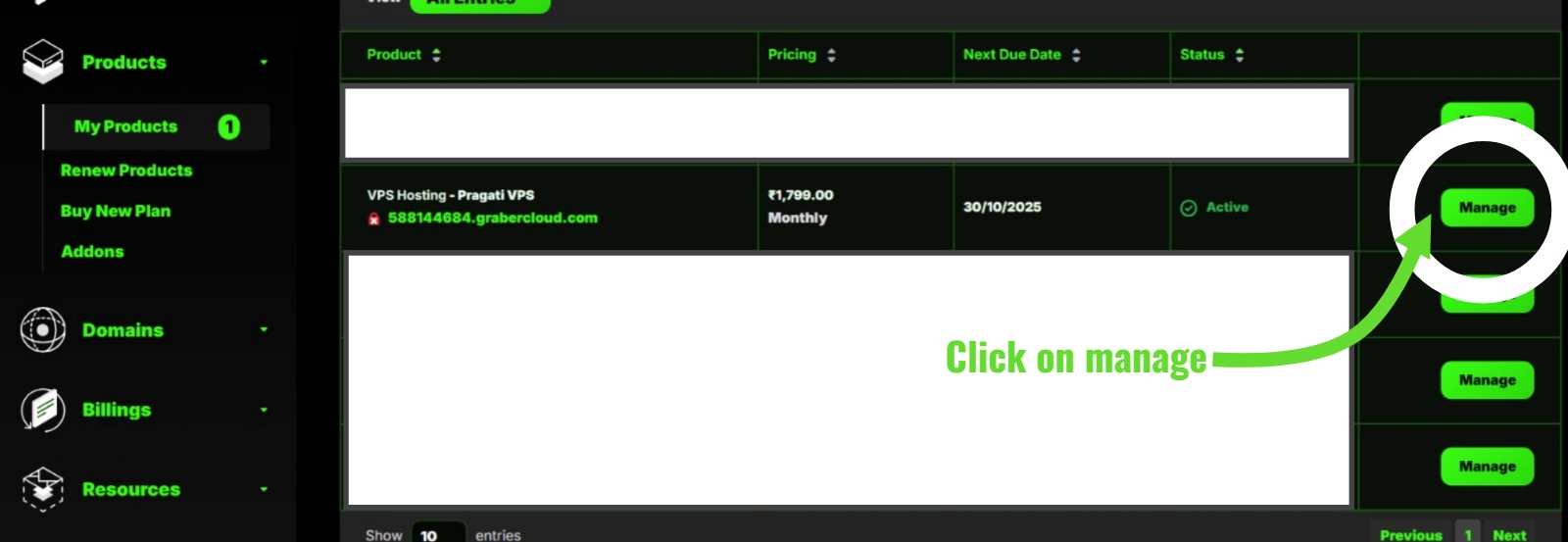
- Go to My Products under Products section.
- Click on My Products & you will see your products in a listed-manner.
- Click on Manage situated at the right-corner of each products to manage the specific product.
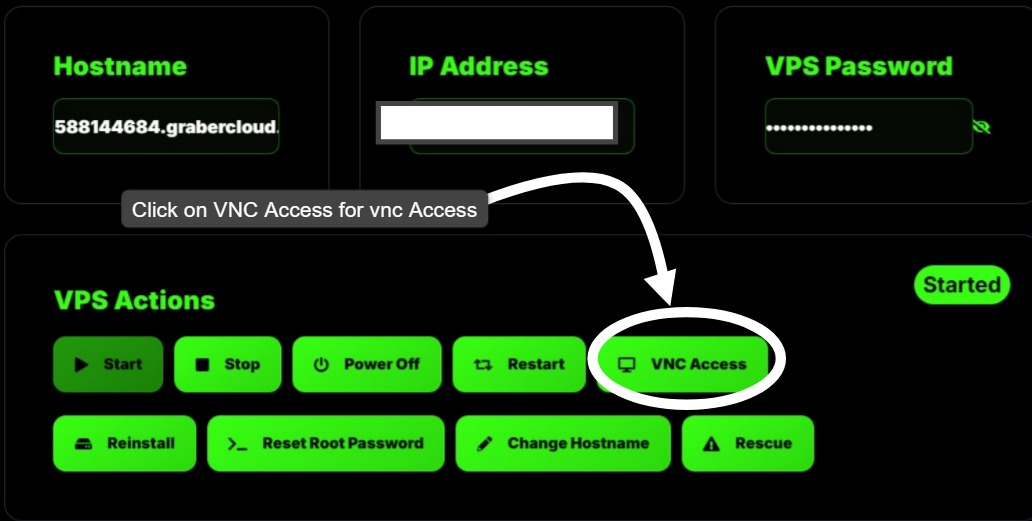
- You will arrive on Product Details page. Here you will find overview of your instance.
- Click on VNC Viewer.
Click CTRL+ALT+DELETE . Enter your VPS Username & password through keyboard OR click on CTRL+V and hit enter .
-->You are now connected to your VPS Instance.