
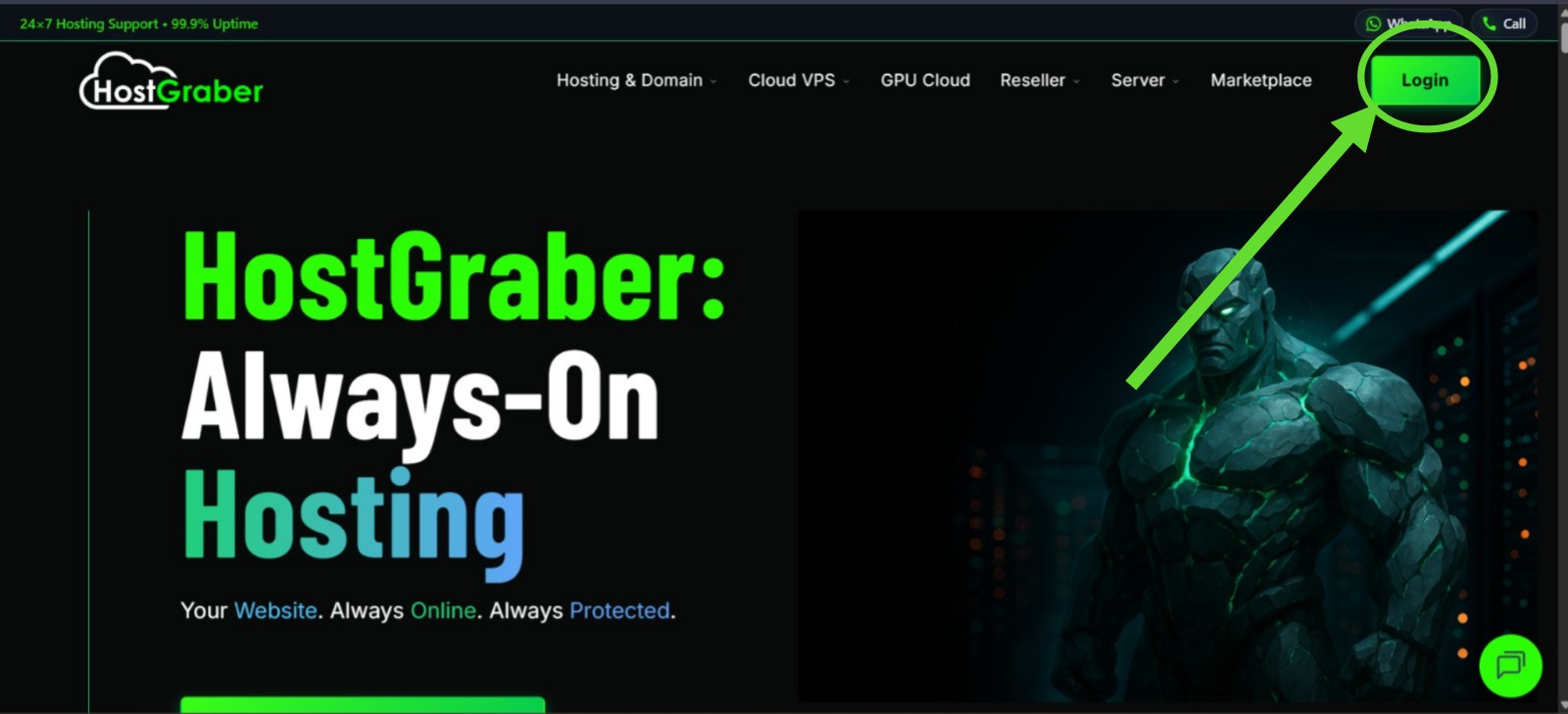
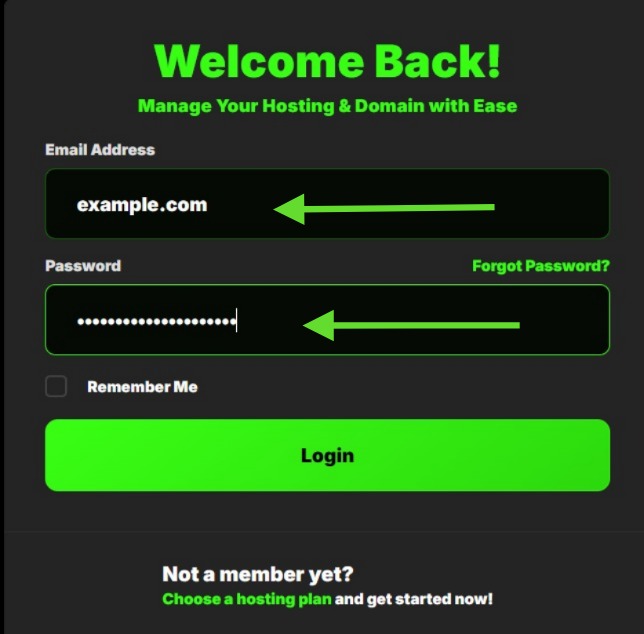
- Login to your dashboard.
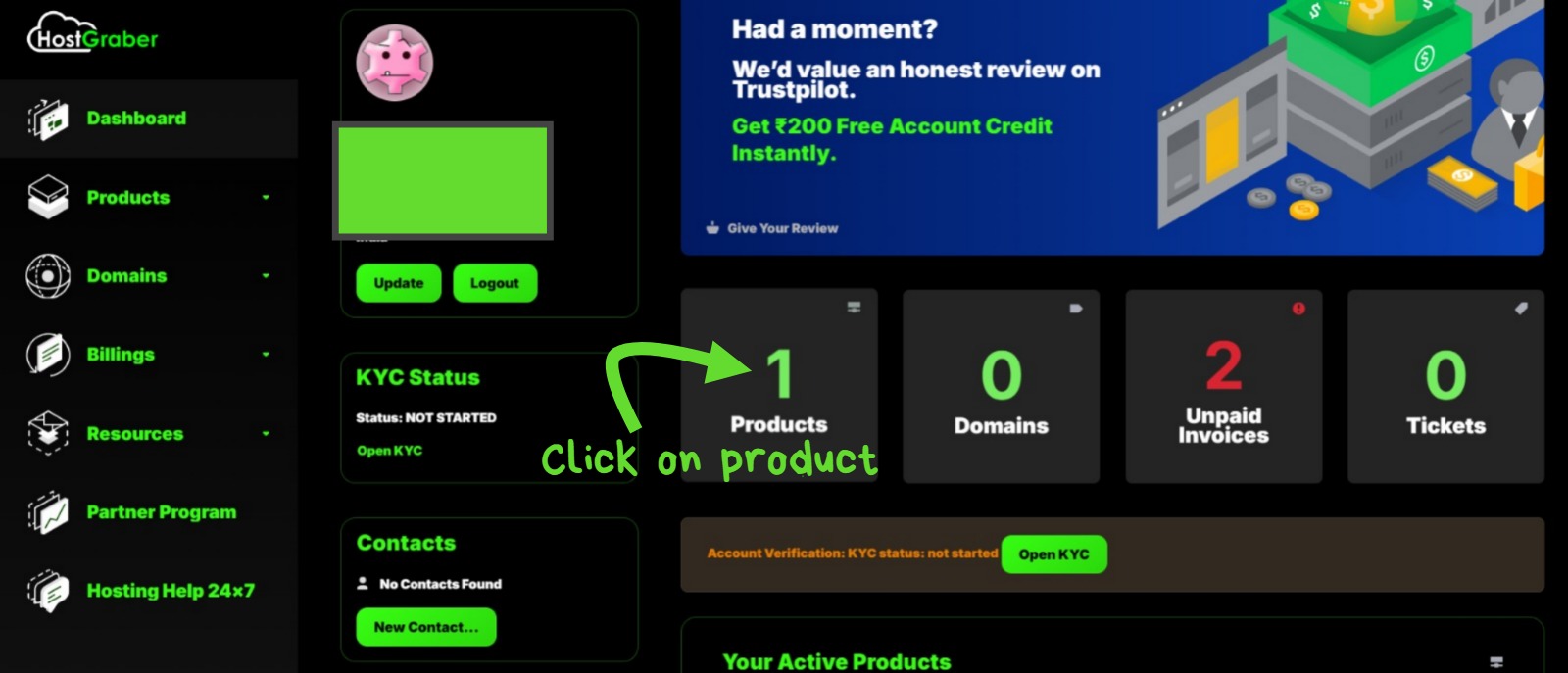
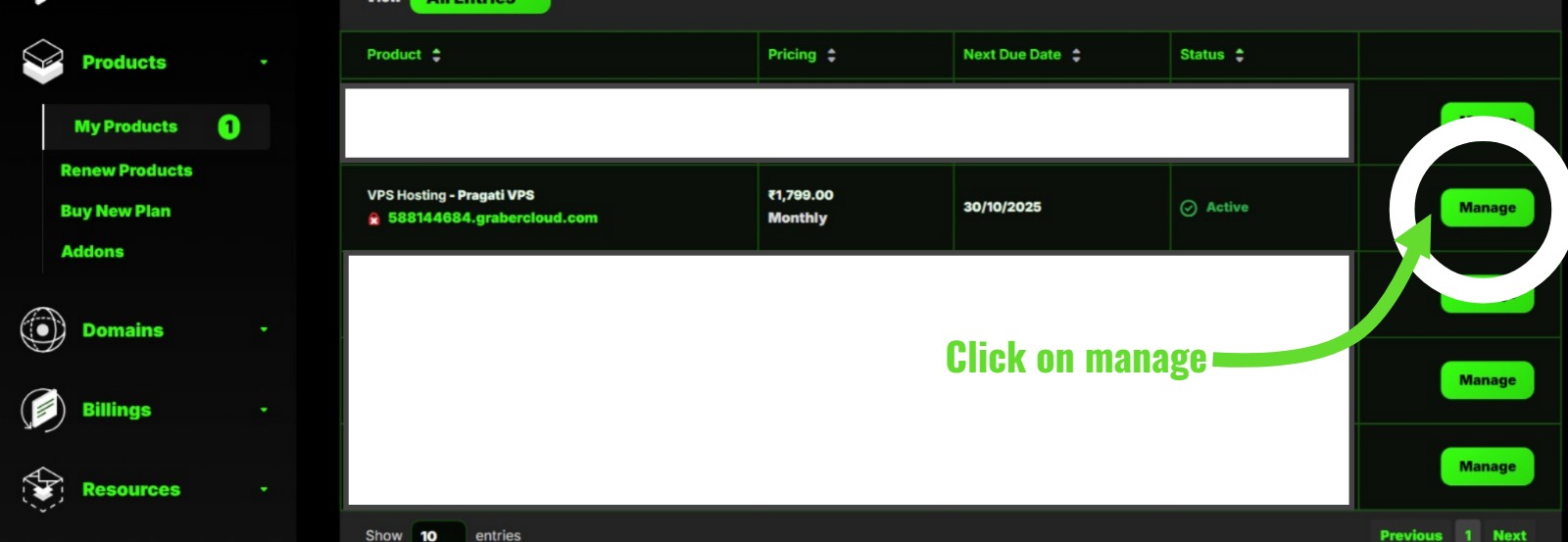
- Go to Products section. Click on My Products. Go to the Manage section of the specific product.
- You will land on VPS Actions page. Click on Reset Password.
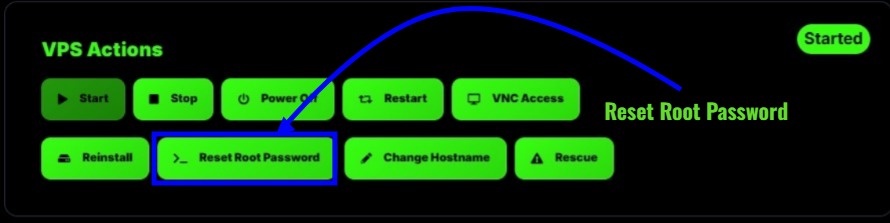
------> Once password is reset, Restart your instance. New password will be available in VPS Password section.