- Login to your User Dashboard.
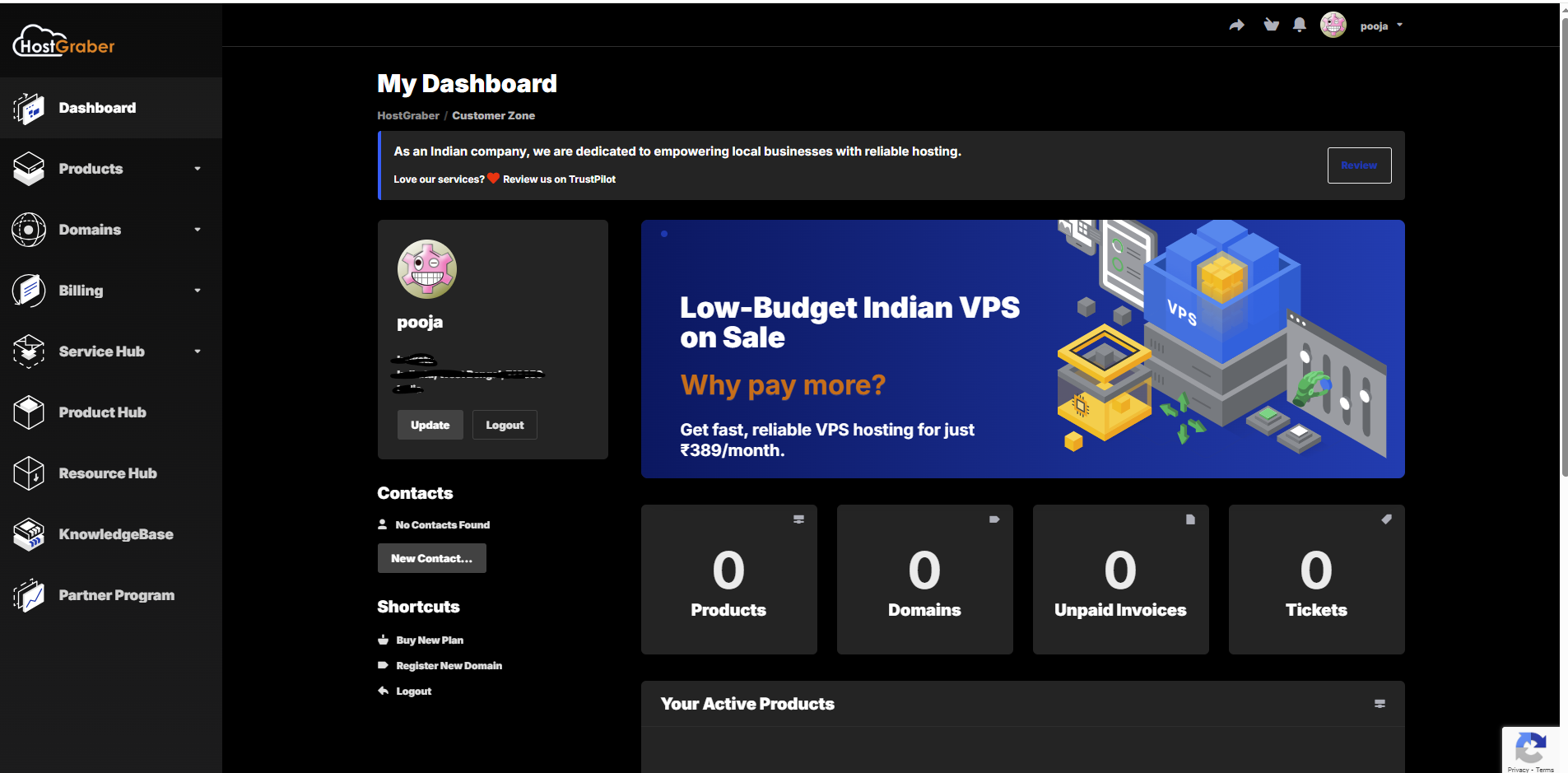
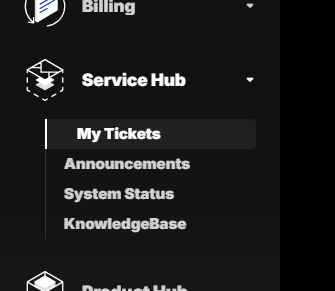
- Go to My Tickets under Service Hub section.
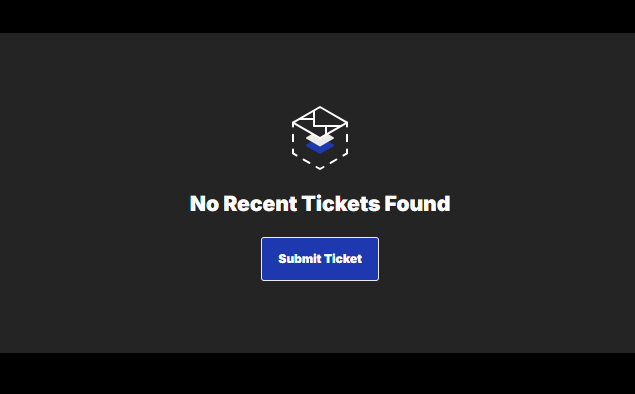
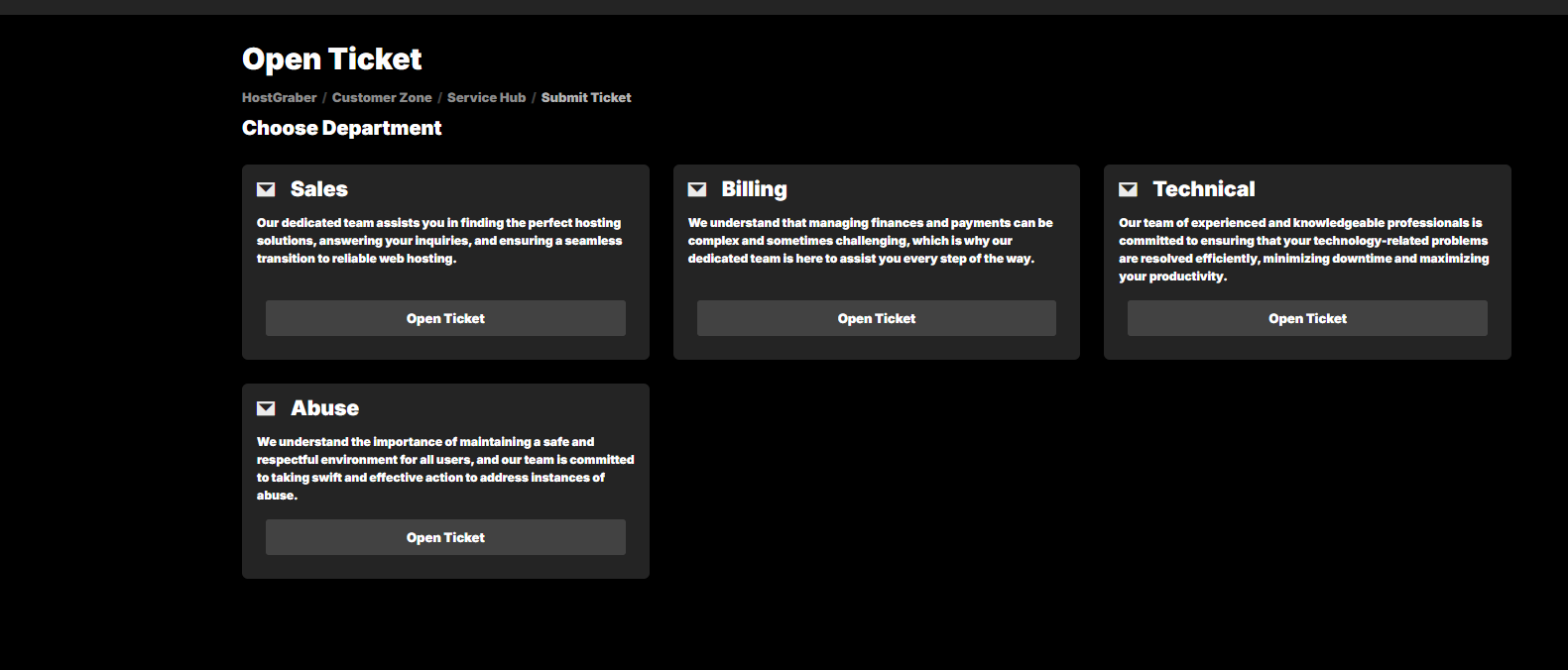
- Click on Submit Ticket or Open Ticket.
- Select the Appropriate Department for which you want to open a ticket.
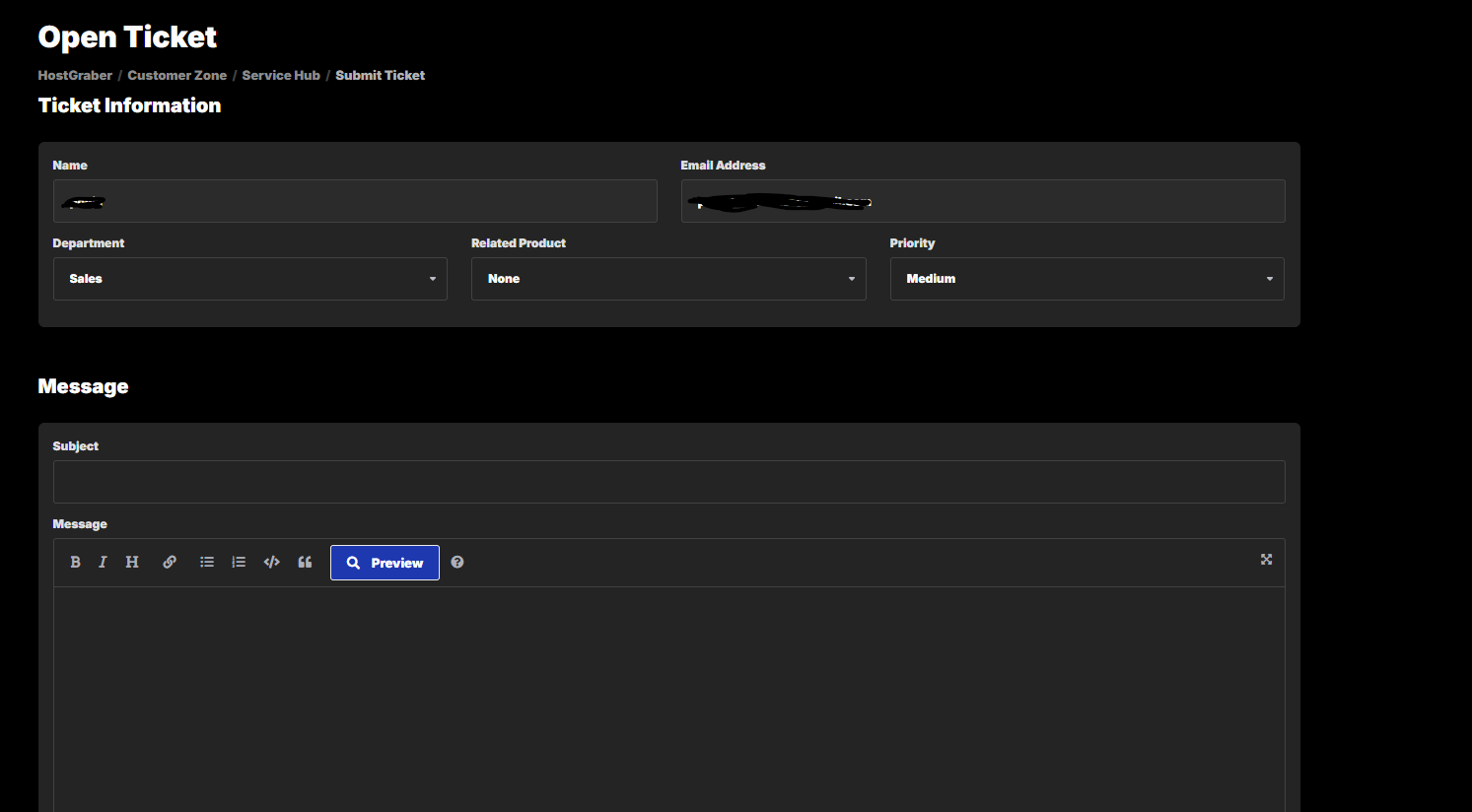
- Select the Product.
- Write a short heading in the Subject Area.
- Write the detailed message in the Message Area.
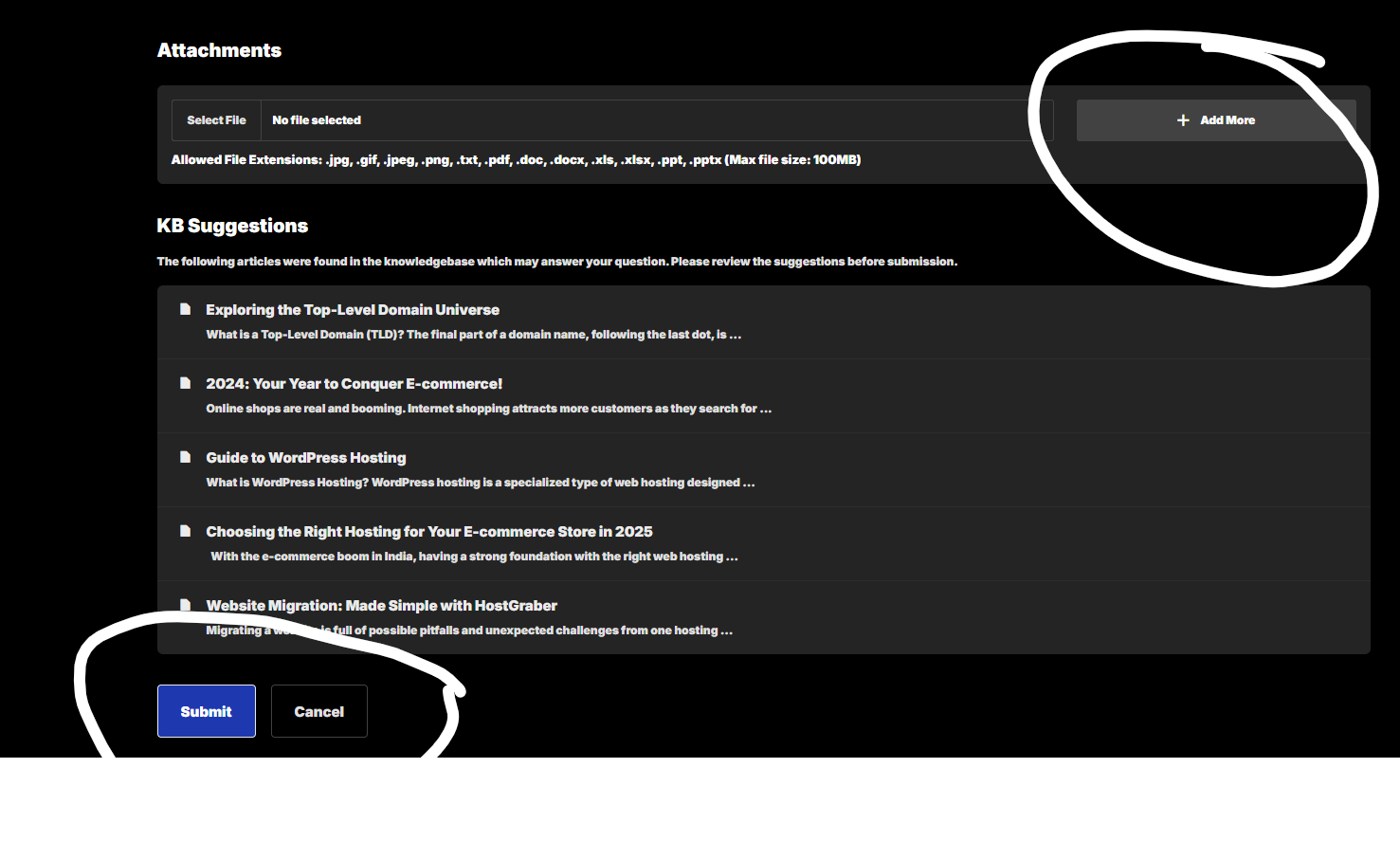
- You can also attach any file in the Attachments Area.
- Lastly click the Submit button.