
Go to HostGraber Login Dashboard.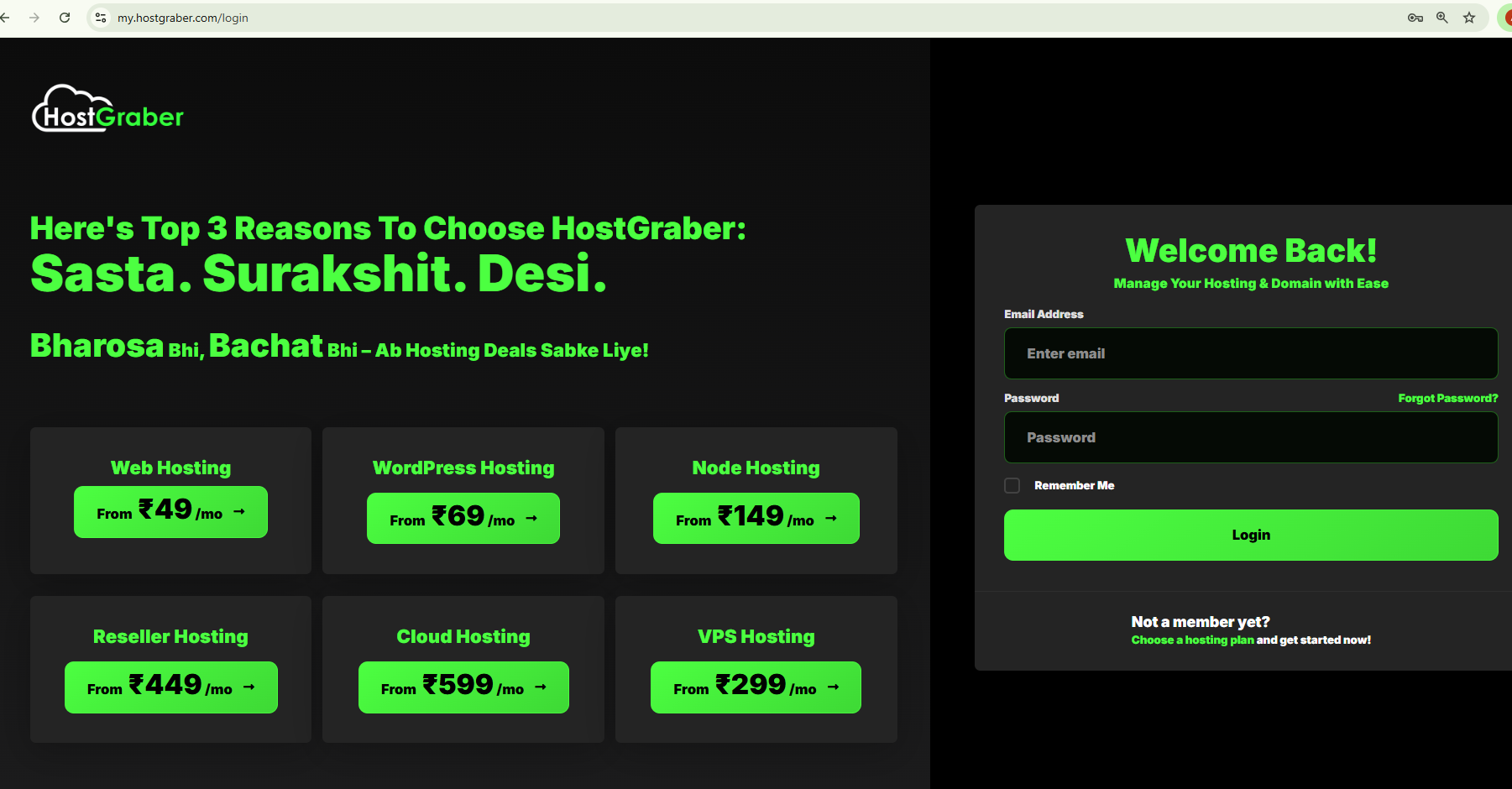
If you don't remember password, click on "Forgot Password?"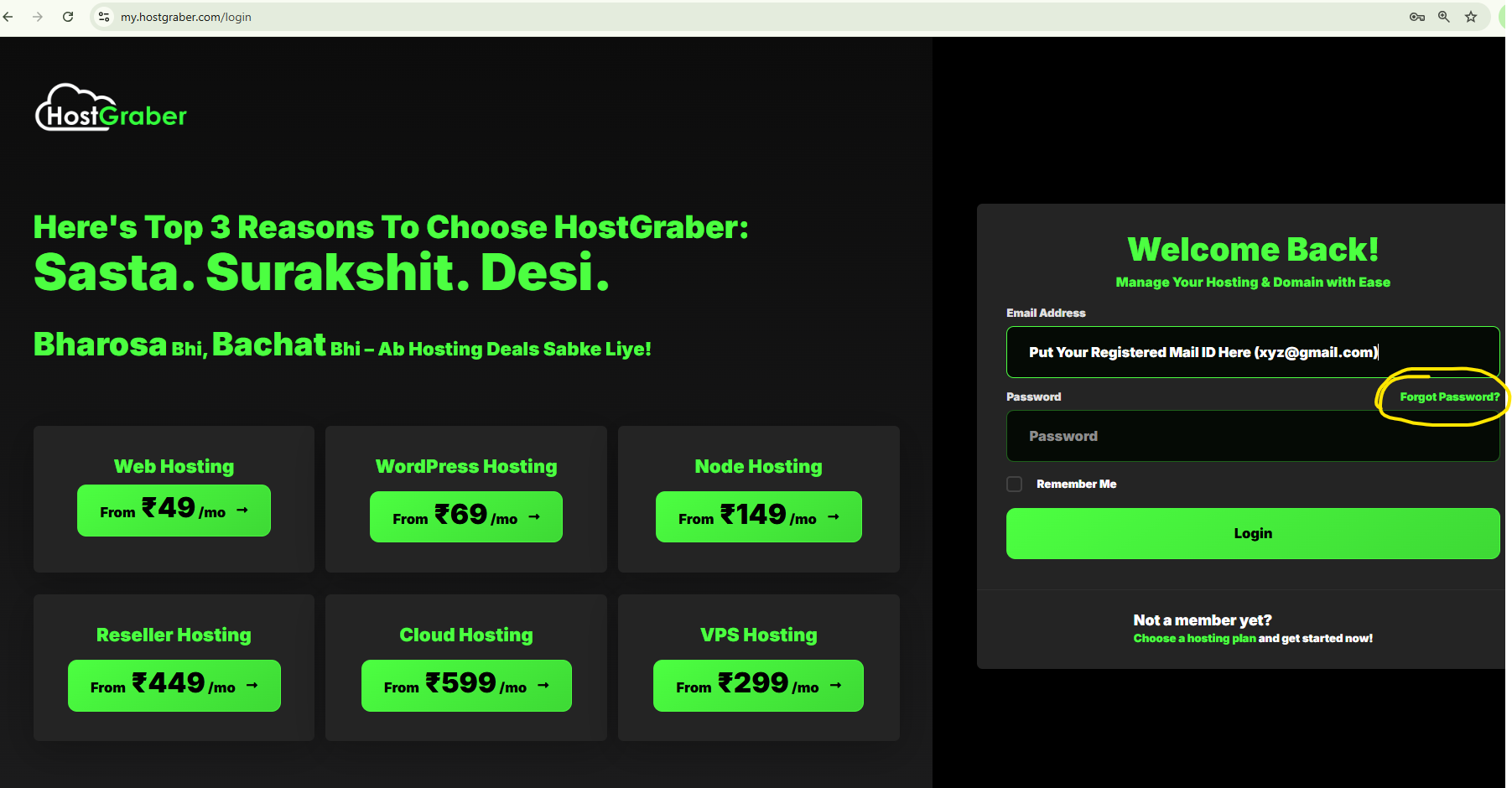
You will be redirected to a password reset page. Please enter your registered email ID and click Submit.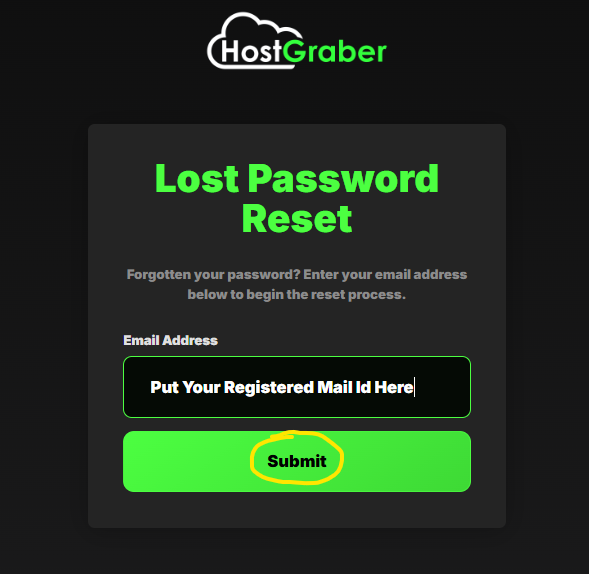
Once you submit, Password reset link will be requested. You will receive a mail on your registered mail ID.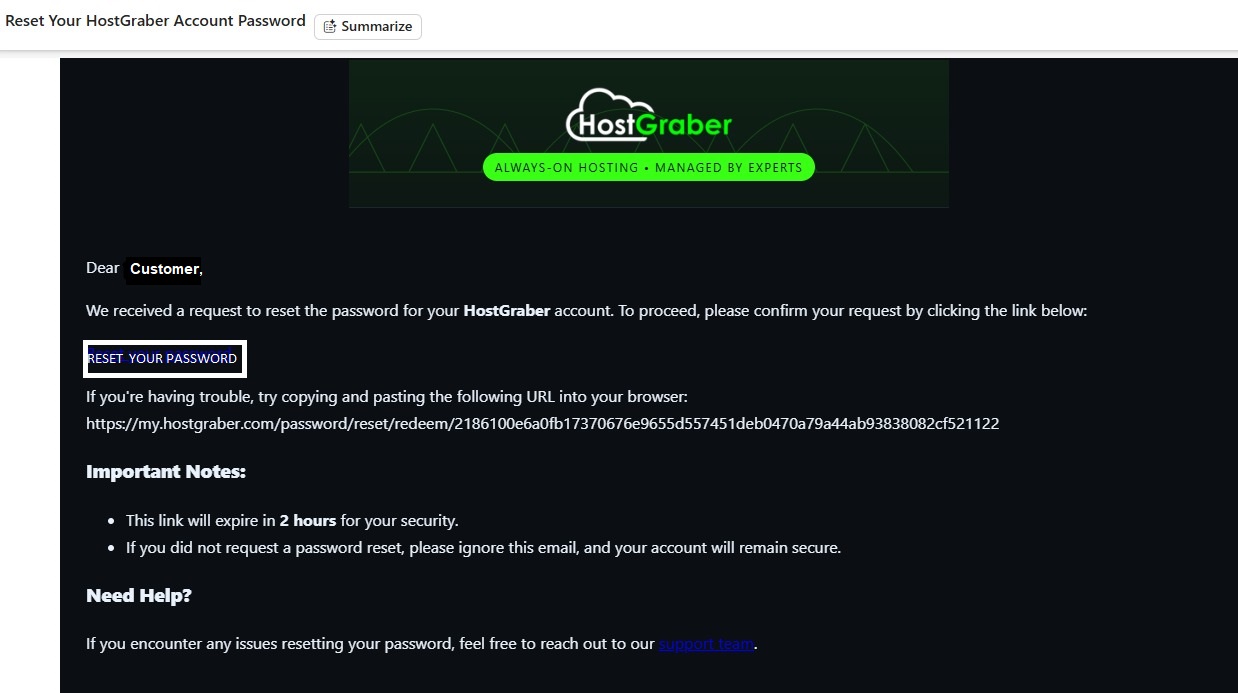
Click on Reset Your Password. It will redirect you to the following page.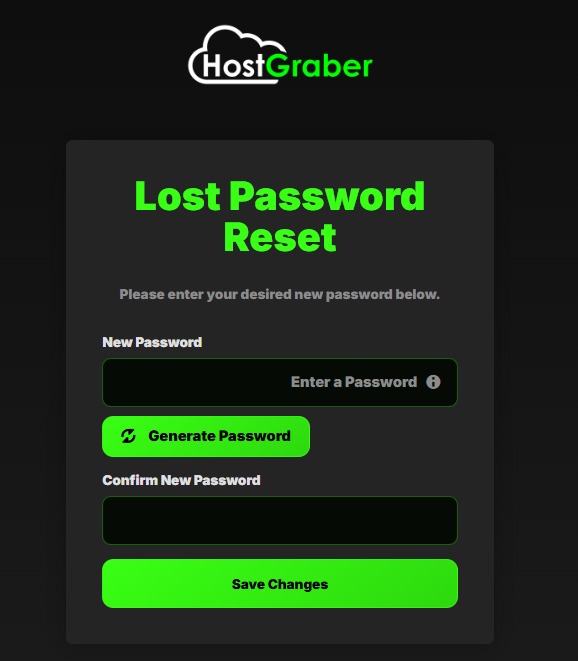
Enter your new password & save the changes. You will get a confirmation mail.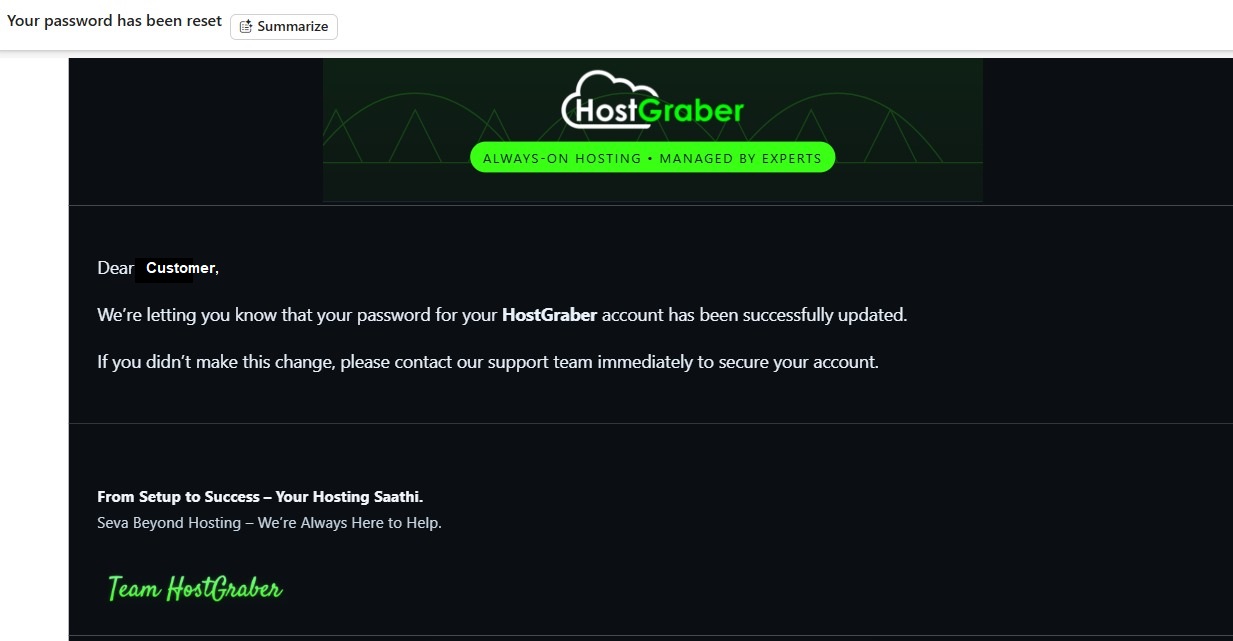
熱門文章
Exploring the Top-Level Domain Universe
What is a Top-Level Domain (TLD)? The final part of a domain name, following the last dot, is...
Turn Your Website Dreams into Reality
Great job! You've worked hard fought with code and built a website that's cool - packed with info...
Website Migration: Made Simple with HostGraber
Migrating a website is full of possible pitfalls and unexpected challenges from one hosting...
The Pros and Cons of Shared, VPS and Dedicated Hosting
In the digital age, hosting is the foundation upon which your website stands. The right hosting...
Colocation: Taking Control of Your IT Infrastructure
The digital landscape is constantly evolving, demanding businesses to adapt and optimize their IT...